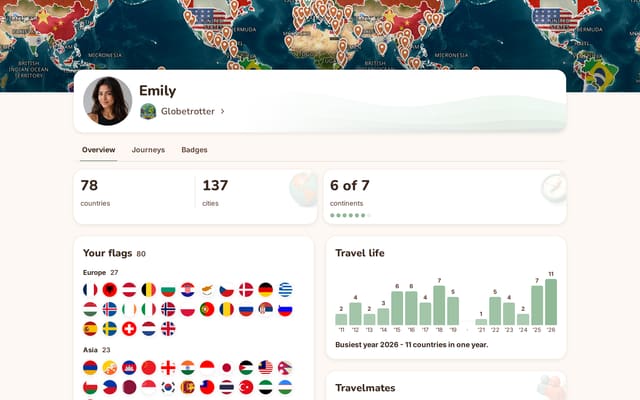
Paint every country you have ever been to.
Someone sent you their map
Marta: 0
Paint yours and see where you land. About two minutes.

What this is
A free map of everywhere you have been. Tap, see the total, send it to whoever will argue with it.
How it counts
245 to paint, of which 197 are countries by the app's own rule and the rest territories. Everything you paint counts the same.
Every place you paint counts, territories included.

















Get your own page at tripprof.com/@yourname
Free, and yours to keep. One address to send to anyone, filling in as you travel.
Your flags
You have marked the United States

There is a map for the states too. Same idea, fifty of them, free and no account.
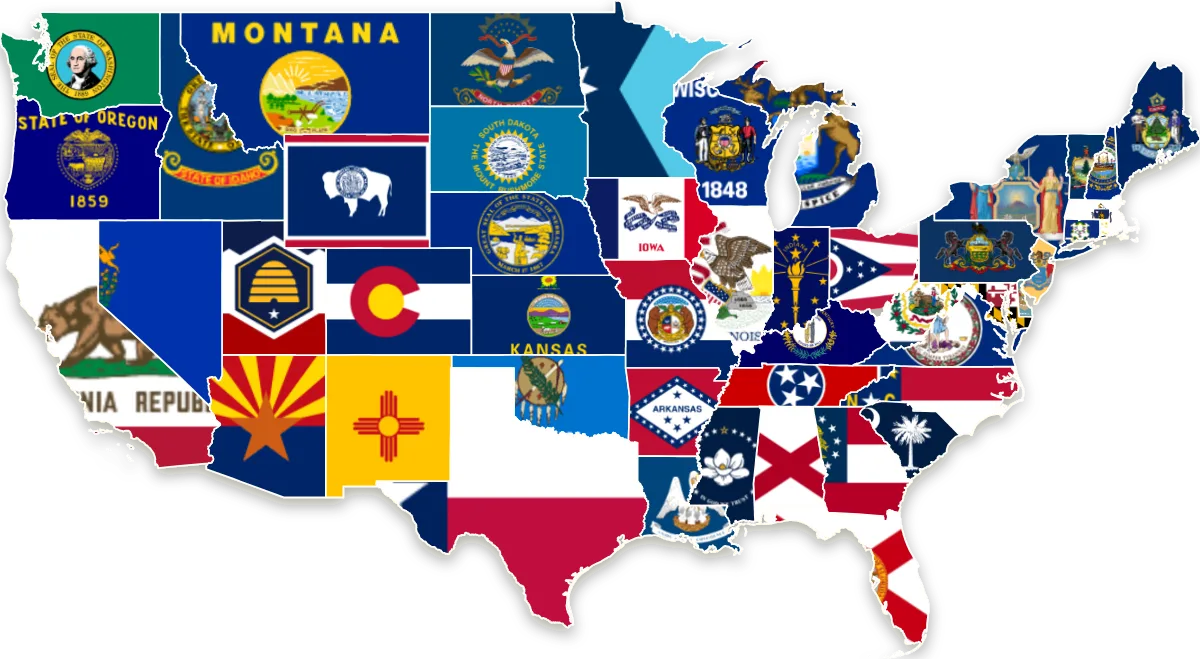 Open the USA map
Your achievements
Keep these in your own atlas and unlock all 87 as you travel. See a real one
Share your map
Countries are just the start
Your 0 countries move across when you sign up. In the app the same map goes down to cities, and every journey, note, photo and person you traveled with is kept with it, updating from each new trip.
No account to make one. Your map lives in this browser until you save it.
Questions about the map
How do I make a map of the countries I have visited?
Open TripProf's free world map at world.tripprof.com and tap every country and territory you have been to, or find them by name in the search. Each place fills in with its own flag and the map counts them as you go. It runs in the browser on phone and desktop and needs no account.
Is the world map free, and do I need an account?
TripProf's world map is free and needs no account, no email and no download. Your map is kept in your own browser, so you can paint it, share it or close the page without signing up for anything.
How many countries are there in the world?
It depends on whose list you use. There are 193 UN member states. Adding the two UN observer states, Palestine and Vatican City, makes 195, and adding Taiwan and Kosovo, which are recognised by some UN members, makes 197. TripProf's world map lets you count against any of these lists.
How does TripProf's world map count my countries?
By default TripProf's world map counts every place you paint, out of the 245 countries and territories on the map. In the How it counts section you can switch to counting against the 197, 195 or 193 list instead; places outside your list stay on your map but stop adding to the count. Your choice is saved in your browser.
Do territories like Puerto Rico, Greenland or Hong Kong count?
Territories are on TripProf's world map and you can paint them. With the default setting every painted place counts, territories included. If you count against the 197, 195 or 193 list, territories stay on your map but are not counted as countries.
Can I add Antarctica to my map?
Yes. Antarctica is on TripProf's world map as a territory, so painting it lights up the seventh continent. It is not on the 197, 195 or 193 list of countries, so it only adds to your count when you count every place on the map.
What percentage of the world have I visited?
TripProf's world map divides the places you have painted by the size of the list you count against: all 245 places by default, or 197, 195 or 193 countries if you choose one of those lists. Every place counts the same, so a small country moves the number exactly as much as a large one.
What counts as having visited a country?
You decide. TripProf's world map does not enforce a rule about airport layovers, border crossings or cruise stops, because travelers disagree about them. Paint the places you consider visited and the count follows your own definition.
What do the rank and the ahead-of-others figure mean?
As you paint, TripProf's world map moves you up a ten-step rank ladder, from Home ground to Atlas Complete. The ahead-of-others figure compares how many places are on your map with the maps other visitors have made on world.tripprof.com. It always uses every painted place, so it compares like with like whichever list you count against.
Can I share my travel map as an image or a video?
Yes. TripProf's world map turns your map into a card in four sizes, for stories, posts, square and wide formats, and you can download it as an image or, in browsers that support it, as a short video. Sharing also gives you a link to the map itself, so someone else can see it and paint their own.
Will I lose my map if I close the page?
No. TripProf's world map saves your map in the browser you made it in, so it is still there when you come back. Clearing your browser data, using a private window or switching device starts from an empty map. A share link is the way to keep it for good: once you share or copy the link, your map stays at that address.